License Specifications
Product Description
Microsoft Office 2024 Standard for Windows
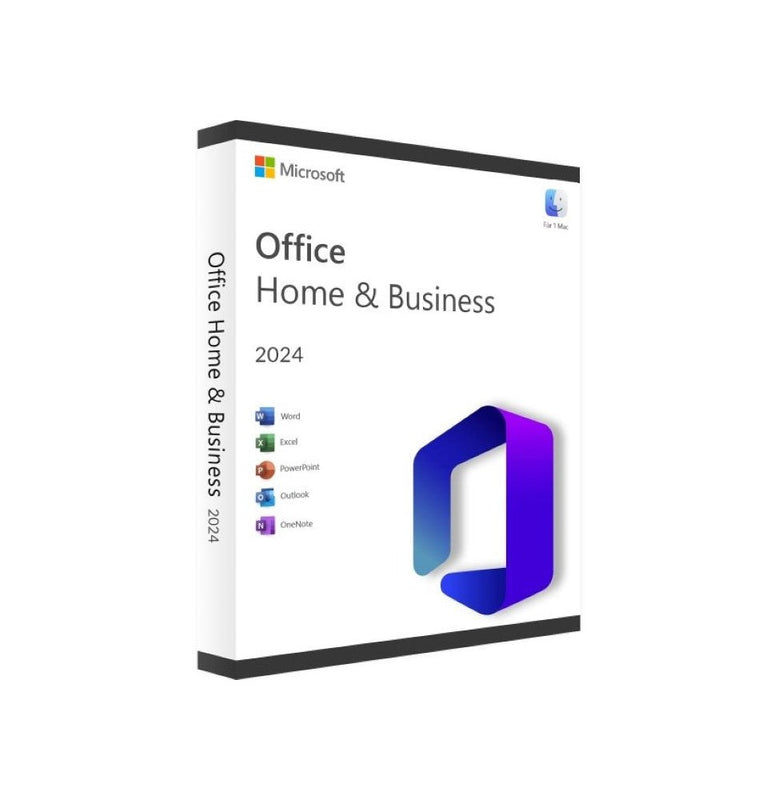
Microsoft Office 2024 Standard for Windows provides the core Office applications for everyday productivity. Suitable for home users and small businesses needing reliable tools for document creation, data management, presentations, and email communication. Lifetime licence with a single product key — no subscription required.
Included Applications
- Word 2024 — Create and edit professional documents, reports, and letters
- Excel 2024 — Manage data with spreadsheets, formulas, and pivot tables
- PowerPoint 2024 — Design presentations with slides and multimedia
- Outlook 2024 — Handle email, calendar appointments, and contact lists
- OneNote 2024 — Organise notes, research, and to-do lists
Licence Details
- Licence type: Lifetime digital licence (perpetual)
- Activation: Single-use product key
- Devices: One Windows PC
- Subscription: Not required after activation
- Languages: Multilingual — all languages supported
What Is Included
- Product activation key
- Official download link
- Installation instructions
System Requirements
- Operating system: Windows 10 or Windows 11
- Processor: 1.1 GHz dual-core or faster
- RAM: 4 GB (64-bit)
- Storage: 4 GB available disk space
- Display: 1280 × 768 minimum resolution
- Internet: Required for download and activation
Key Features & Capabilities
- ✓ Full retail license key for permanent lifetime use.
- ✓ Direct official download from vendor servers.
- ✓ Transferable to a new device upon uninstallation.
- ✓ Access to security updates, patches, and features.
- ✓ Multi-language support (English, French, Spanish, German & more).
System Requirements
| Operating System | Windows 10, Windows 11, or latest 3 versions of macOS |
|---|---|
| Processor | 1.6 GHz or faster, 2-core 64-bit processor |
| Memory (RAM) | 4 GB RAM (64-bit); 2 GB RAM (32-bit) |
| Hard Disk Space | 4.0 GB available disk space |
| Display | 1280 x 768 screen resolution or higher |
| Graphics | DirectX 9 or higher with WDDM 2.0 driver |
Step-by-Step Activation Guide
- Step 1: Check your inbox – Locate the email containing your genuine 25-digit product license key.
- Step 2: Download software – Click the official download link provided in your delivery email.
- Step 3: Run installer – Install the application on your PC or Mac following standard wizard prompts.
- Step 4: Enter license key – When prompted, enter your license key to activate instantly.
Instant Digital Delivery
All software license keys are delivered digitally via email immediately upon payment approval (typically 0-60 seconds). You will receive:
- ✓ 1x Genuine 25-Digit Product License Key.
- ✓ Official Direct Download Link from Microsoft/Vendor.
- ✓ Complete Step-by-Step Installation Instructions.
- ✓ Official Tax Invoice & Order Receipt.
30-Day Money Back Guarantee
We guarantee that your key will activate properly on your computer. In the rare event that a key experiences any activation error, our 24/7 technical team will assist you or issue a full 100% refund within 30 days of purchase.
Frequently Asked Questions
This is a 100% permanent one-time purchase. There are no monthly or annual subscription fees.
Delivery is instant. Your license key and download link are sent to your email address right after checkout.
Customer Reviews & Feedback
Instant email delivery & key worked perfectly!
Received the product key within 30 seconds of placing order. Followed the download link and entered the key. Activated Windows immediately with no problems. Outstanding service!
Genuine software at amazing price
I was skeptical at first, but Techkeyr delivers genuine Microsoft software licenses. Installation was smooth, and support answered my question in minutes.
Seamless activation on my new Mac
Great software store. Office 2024 activated instantly on macOS Sonoma. Highly recommend to anyone looking for genuine software licenses.
You May Also Like


